01 / THE PATH
From deciding to certify to the surveillance audits.
The path follows the standard in the order a small firm meets it. Each step links to the register or document it needs, and says why it matters, what the auditor looks for and what done looks like. The plan is drawn back from your target certificate date, so each step has a date too.
02 / REGISTERS
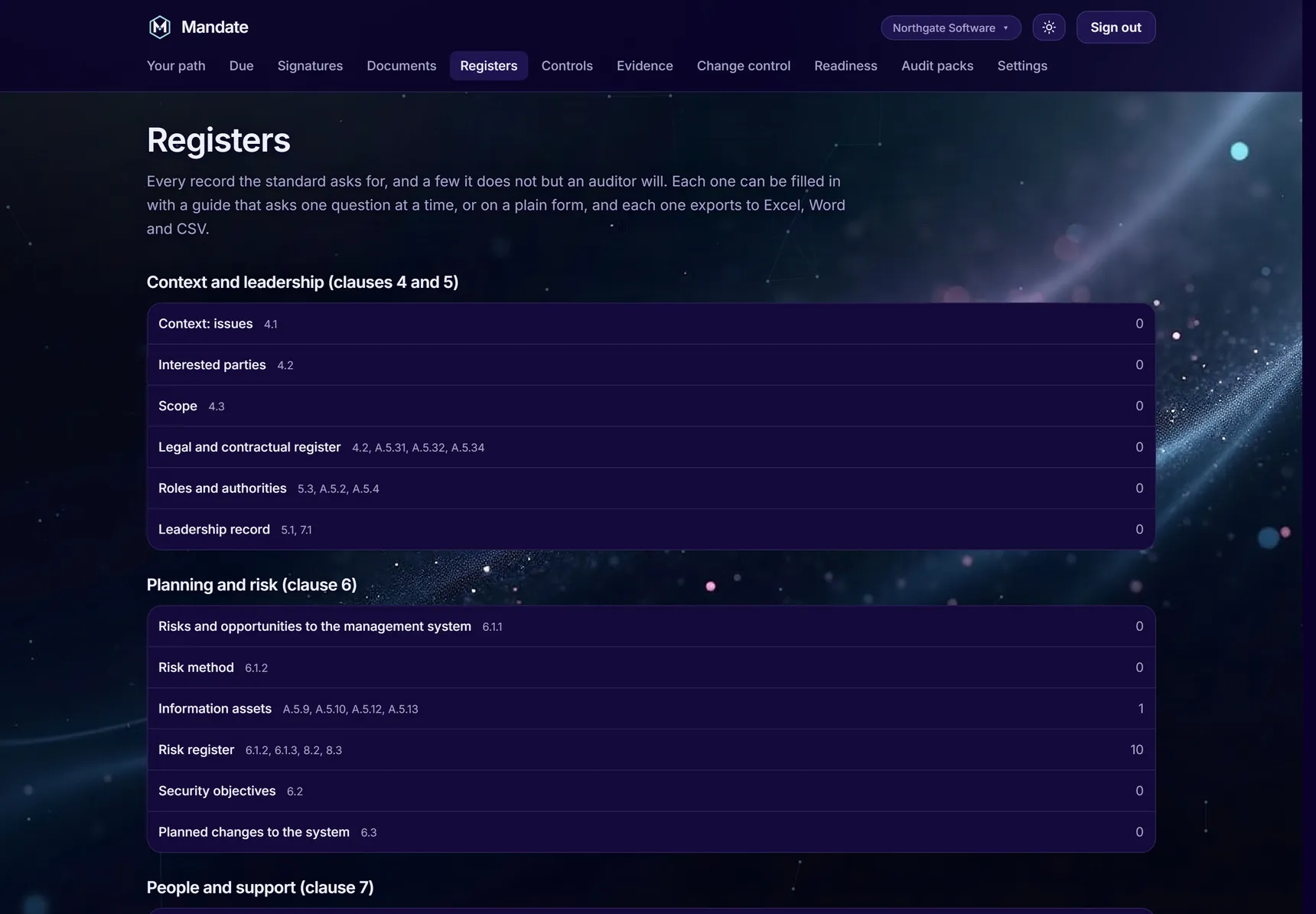
Every record the standard asks for, and a few an auditor will.
Each register has a guide that asks one question at a time and a plain form, both built from one definition, so they can't disagree. Suggested entries are drawn from your set-up answers and what's already in your other registers. Nothing's added until someone saves it.
- Every entry keeps its history, and the attestations are an owner's to seal
- Each register exports to Excel, Word and CSV
- Every guide works with AI switched off
03 / DOCUMENTS
Bring the policies you already have.
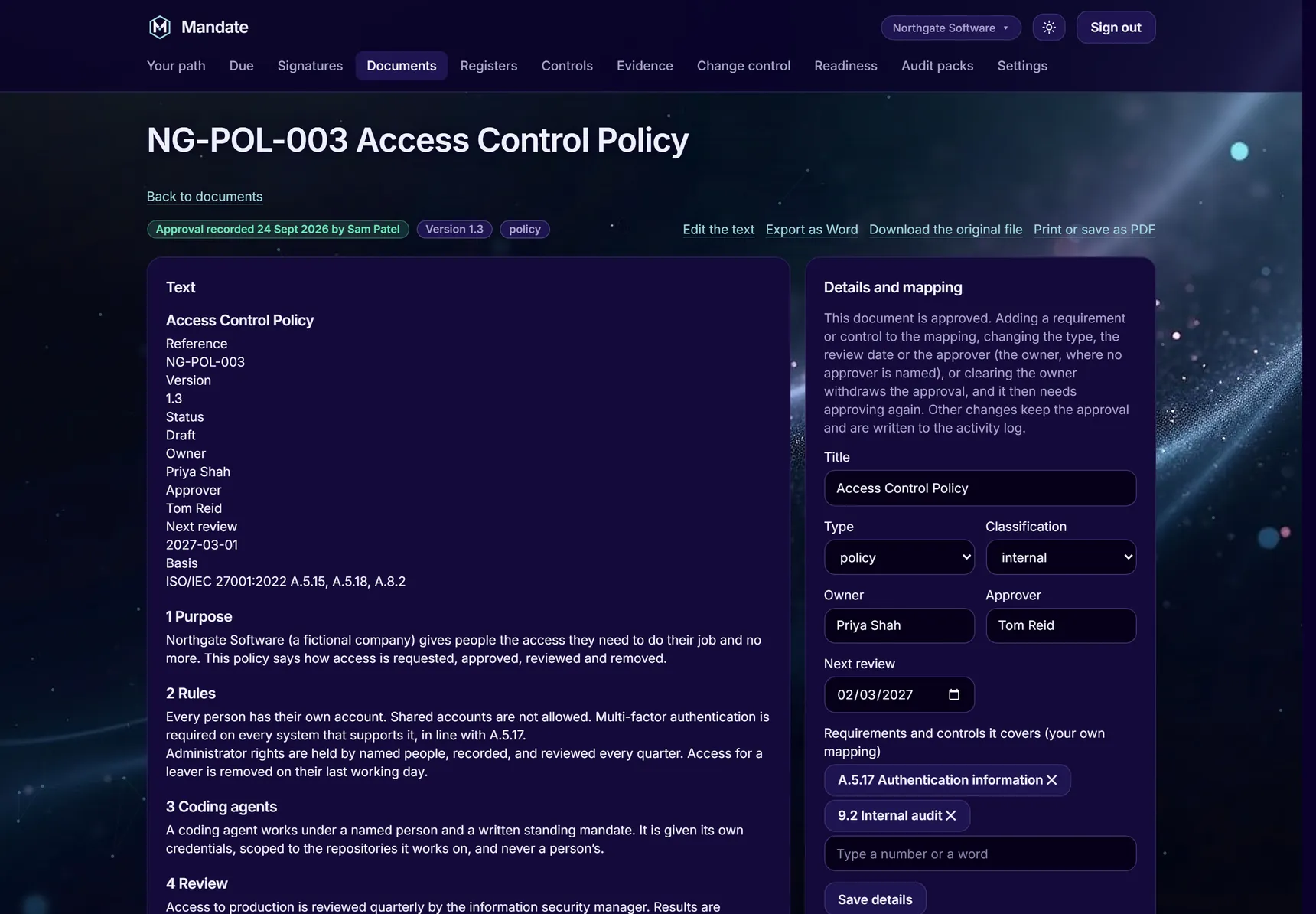
Mandate holds your documents; it doesn't ask you to write them again. Import them, map them to the clauses and controls they cover, edit them in place, approve them and export them.
Only the named approver approves in their own name. Anyone else can record where and when that person approved it, and it says so.
04 / WHO DOES WHAT
Owners attest. Members do the work.
- OwnersApprove documents and the Statement of Applicability, accept risks, approve suppliers, grant mandates and sign off changes. Each of those is sealed.
- MembersKeep the registers, import documents and record the runs of control tasks.
- Everyone elseGets a private link to read and confirm the policies that apply to them, with no account. A new version of a policy asks them again.
- AuditorsGet one link that expires. What they raise goes into your registers as theirs.
- LeaversAre switched off, not deleted, so their past acts stay on record. There's always at least one active owner.
05 / LIMITS
What it won't do.
- It doesn't certify youA UKAS-accredited certification body does that. Readiness is a strict reading of your records, not a prediction of the audit result.
- It doesn't count a plan as evidenceA decision, a plan or a method isn't a record that a control ran, however firmly it was signed.
- It doesn't write your management system for youIt imports what you have and suggests entries from your own answers and registers. Every decision and approval is a person's.
- It doesn't let AI approve anythingAI drafts and suggests where your organisation has it switched on. It never seals, approves or attests.
SEE THE PATH
See the whole path on a working example.
We'll take you through it on our demonstration organisation, and show you where your own documents would go.
Request a walkthrough